
Rapicorn Audio
Free and Open-Source Music and Audio Software
Rapicorn Audio is an independent site covering free and open-source tools for making, recording, editing and producing sound. It is written for musicians, podcasters, sound designers and Linux users who want capable software with no licence fees, no subscriptions and no locked-in file formats.
Linux Audio
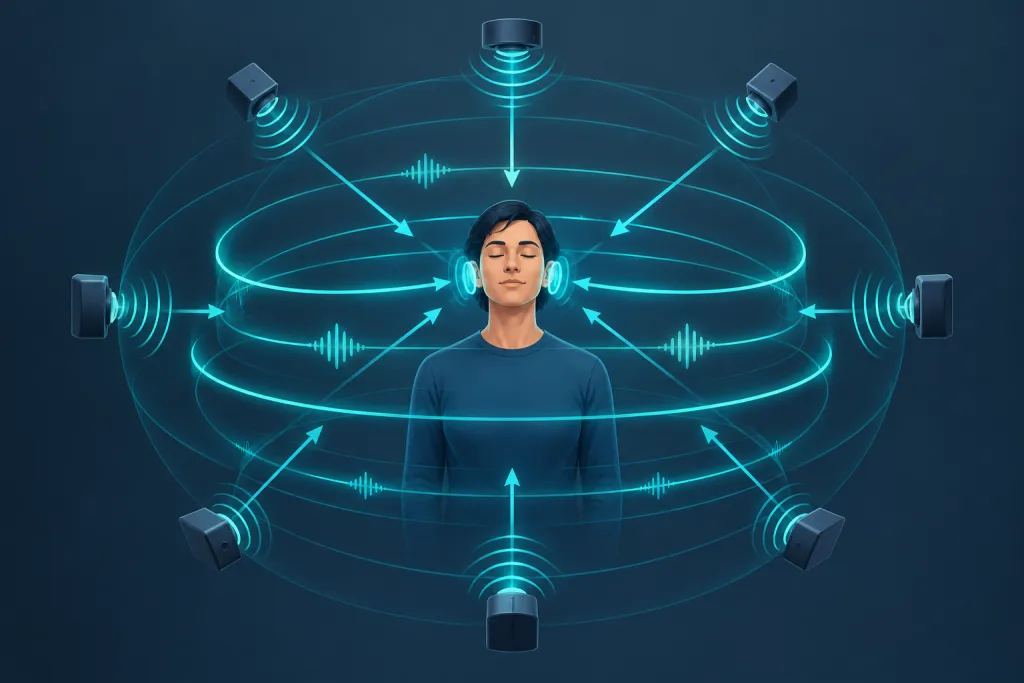
OpenAL Explained and How It Handles 3D Audio for Games
OpenAL is a free, cross-platform audio API that games and apps use to position sounds in 3D space around a listener. You give it…
Audacity & Audio Editing
How to Record Audio on Your Computer for Free, Step by Step
The free way to record audio on a computer is simple. Plug in a microphone, install Audacity, pick your mic as the recording device,…
Music Production
How to Make Beats for Beginners Step by Step at Home
You can make beats at home with a laptop, a pair of headphones and free software. This guide walks you through eight steps, from…
Synths & Sound Design
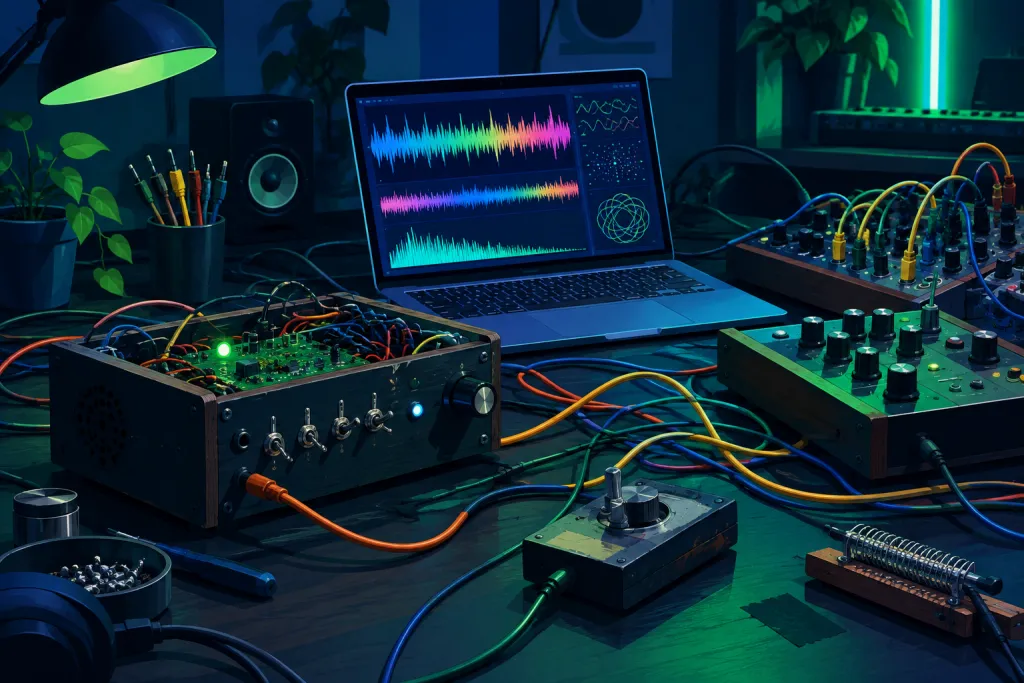
Weird Sound Generators for Experimental Noises and Textures
A weird sound generator is any instrument built to make the noises a normal synth avoids: squeals, drones, chirps and glitchy textures. The name…
Chord finder
Pick a root and a chord type · see it on the keys · hear it
CC major
- Croot
- Emajor 3rd
- Gperfect 5th
Semitones from the root: 0, 4, 7
Free music tools
5 tools · run in your browser · free
Which free DAWs and audio editors are worth using?
These seven are the main free options for recording, editing and making music in October 2026. Some are fully open source and some are freeware from commercial companies, so check the license column if that matters to you.
| Software | Platforms | Free or open source | Best for |
|---|---|---|---|
| Audacity | Windows, macOS, Linux | Open source; 4.0.1 is current | Recording and editing audio; no MIDI in 4.0 |
| Ardour | Linux, macOS, Windows | GPL; ready-made builds from US$1 | Multitrack recording and mixing with pro-grade routing |
| LMMS | Windows, macOS, Linux | Open source; stable 1.2.2 is from 2020 | Beatmaking; 1.3 is still in alpha |
| Cakewalk Sonar | Windows | Free tier with a BandLab account; Cakewalk by BandLab support has ended | Full Windows DAW; some features need paid Membership |
| Waveform Free | macOS, Windows, Linux, Raspberry Pi | Free but closed source; no track limit | Full DAW work with VST, VST3 and AU plugins |
| GarageBand | iPhone, iPad and Mac only | Free on Apple devices, closed source | Apple beginners; projects open in Logic Pro |
| BandLab | Web browser, iOS, Android | Free account; paid Membership is optional | Quick ideas and collaboration; capped at 16 tracks per project |
Bottom line: For a full cross-platform DAW, start with Waveform Free or Ardour. On Windows, use Cakewalk Sonar. Pick Audacity when you only need to edit audio.
Latest guides
11 published
Free DAWs
The Best Free DAWs Ranked for Music Production
A free DAW today can record a full band, sequence MIDI, host your plugins and export a finished song without a watermark.…
Oct 28, 2026 · 10 min read
Free Plugins
IK Multimedia T RackS and the free version explained
When most music makers search "t-rack," they mean IK Multimedia's T-RackS, a mixing and mastering suite for Windows and macOS. It comes…
Oct 24, 2026 · 11 min read
Linux Audio
Ubuntu or Linux Mint for Music Production and Everyday Use
Ubuntu and Linux Mint run the same core packages and the same kernel, so the real differences show up in the desktop,…
Oct 22, 2026 · 13 min read
Audacity & Audio Editing
What Is Audacity and What Can You Actually Do With It
Audacity is a free, open-source audio editor and recorder for Windows, macOS and Linux. You can use it to record voice or…
Oct 21, 2026 · 13 min read
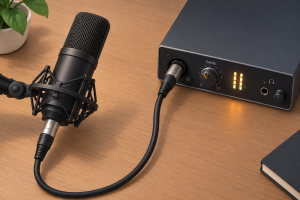
Home Studio Gear
Do you need a mic preamp for home recording
For most home recording, you do not need a separate mic preamp. Your audio interface already has one built in, and a…
Oct 21, 2026 · 8 min read
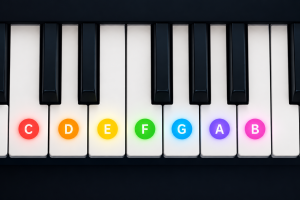
Music Production
Music scales explained with examples
A music scale is a set of notes, ordered by pitch, that gives a song its home base and its mood. This…
Oct 21, 2026 · 11 min read
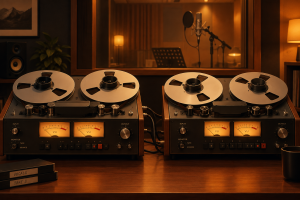
Free Plugins
Automatic double tracking and free doubler plugins
Automatic double tracking (ADT) is the trick Abbey Road engineer Ken Townsend built in 1966 so John Lennon could stop singing every…
Oct 21, 2026 · 20 min read
Free plugins by type
6 plugin types
Make Your First Track With Free Software
You can go from a blank screen to a finished song without spending anything. These six steps use LMMS, a free and open-source music program for Windows, macOS and Linux.
- Install LMMS: Download it from the official LMMS website and run the installer. Skip third-party download mirrors, which can bundle unwanted software.
- Check your audio settings: Open the settings, choose your audio output, and play a demo project to confirm you hear sound. Use headphones or monitors you trust.
- Build a beat: Open the Beat/Bassline Editor and load a kick, snare and hi-hat from the included samples. Click in a simple four-bar pattern and loop it.
- Write a melody and bassline: Load a built-in instrument such as TripleOscillator, then draw notes in the Piano Roll. Free plugins like Surge XT can add more sounds later.
- Arrange and mix: Lay out an intro, verse and chorus in the Song Editor. Balance levels in the mixer and keep the master meter out of the red to avoid clipping.
- Export your song: Use File > Export to render a WAV file as your master copy. Make a compressed copy from it for sharing.
Browse by section
Core music production terms, explained simply
These are the twelve terms you will meet most often in free and open-source music software.
- : A digital audio workstation is the main program for recording, arranging, editing and mixing music, with Ardour and LMMS as well-known open-source examples.
- : A plugin is an add-on instrument or effect that runs inside a DAW. VST is Steinberg’s format, CLAP is an open standard from Bitwig and u-he, and LV2 is the open format most common on Linux.
- : The number of times per second audio is measured, typically 44.1 kHz for music releases or 48 kHz for video.
- : The precision of each sample, which sets dynamic range, with 16-bit used for CD and 24-bit standard for recording.
- : The delay between playing or singing something and hearing it back.
- : The chunk of samples your system processes at once, where smaller buffers lower latency but work your CPU harder.
- : A protocol dating from 1983 that carries performance data such as notes and velocity, not sound itself.
- : Equalization boosts or cuts specific frequency ranges to shape tone or make room between instruments.
- : A process that turns down a signal once it crosses a set threshold, narrowing the gap between loud and quiet parts.
- : An effect that simulates the reflections of a physical space, from a small room to a large hall.
- : The final stage that balances, polishes and sets the loudness of a finished mix for release.
- : A submix of related tracks, such as all drums or all vocals, exported as a single audio file.
01What is the best free DAW for beginners?
Waveform Free is the best first pick if you want the same program on every operating system. It has no track limits, no export restrictions, no time-limited trial, and hosts VST, VST3, and AU plugins on Windows, Mac, and Linux. If you’re on Windows, BandLab states that Cakewalk Sonar now has a free base tier, with paid Membership unlocking additional advanced features. LMMS works well for beatmaking, but it lacks a traditional multitrack audio recording workflow.
02Is Ardour really free?
The code is free. Ardour is open-source software released under the GNU General Public License, but the official ready-to-install builds ask for payment. The subscription tiers cost $1, $4, $10, or $50 per month. If you don’t pay, you can get the full source code for all platforms, or a prebuilt demo binary which ceases playback after various time periods. Several Linux distributions also provide prebuilt binaries, free of any software restrictions.
03Do I still need JACK on Linux?
Usually not. PipeWire is the default on Fedora 34+, Ubuntu 22.10+, and Debian 12+, and it ships a JACK client library replacement that talks directly to PipeWire. All existing pro audio JACK applications then work on top of PipeWire.
04Can I use Windows VST plugins on Linux?
Many of them, yes, with yabridge. This free bridge runs on Wine and supports both 32-bit and 64-bit Windows VST2 and VST3 plugins in a 64-bit Linux VST host as if they were native. How well each plugin works can vary depending on the plugin vendor’s implementation, the Wine version, and system configuration, so check whether the plugin has a native Linux version before you try bridging it.
05Are free plugins good enough for finished songs?
Yes. The best free plugins hold up against paid ones. Surge XT is free and open source under the GPL, and it runs as VST3, AU, CLAP, and LV2 plugins plus a standalone app on Windows, macOS, and Linux. If you’re just starting out, Vital is easier to learn, and it is the better first synth for beginners.
06What do I need to record at home?
You need a computer, a DAW, an audio interface, a microphone and closed-back headphones. On Linux, choose a USB class-compliant interface, because it runs on the kernel’s built-in drivers with no extra software from the maker. A quiet, softened room will also improve your vocals and acoustic recordings more than upgrading your plugins will.
Free tool
Online guitar tuner
This free online guitar tuner listens through your device's microphone, works out the pitch of the note you play right in your browser, and shows how far you are from the target note, tuned…